

Where to find it: Left sidebar → Adventure → Monsters tab Open in 4TW ↗
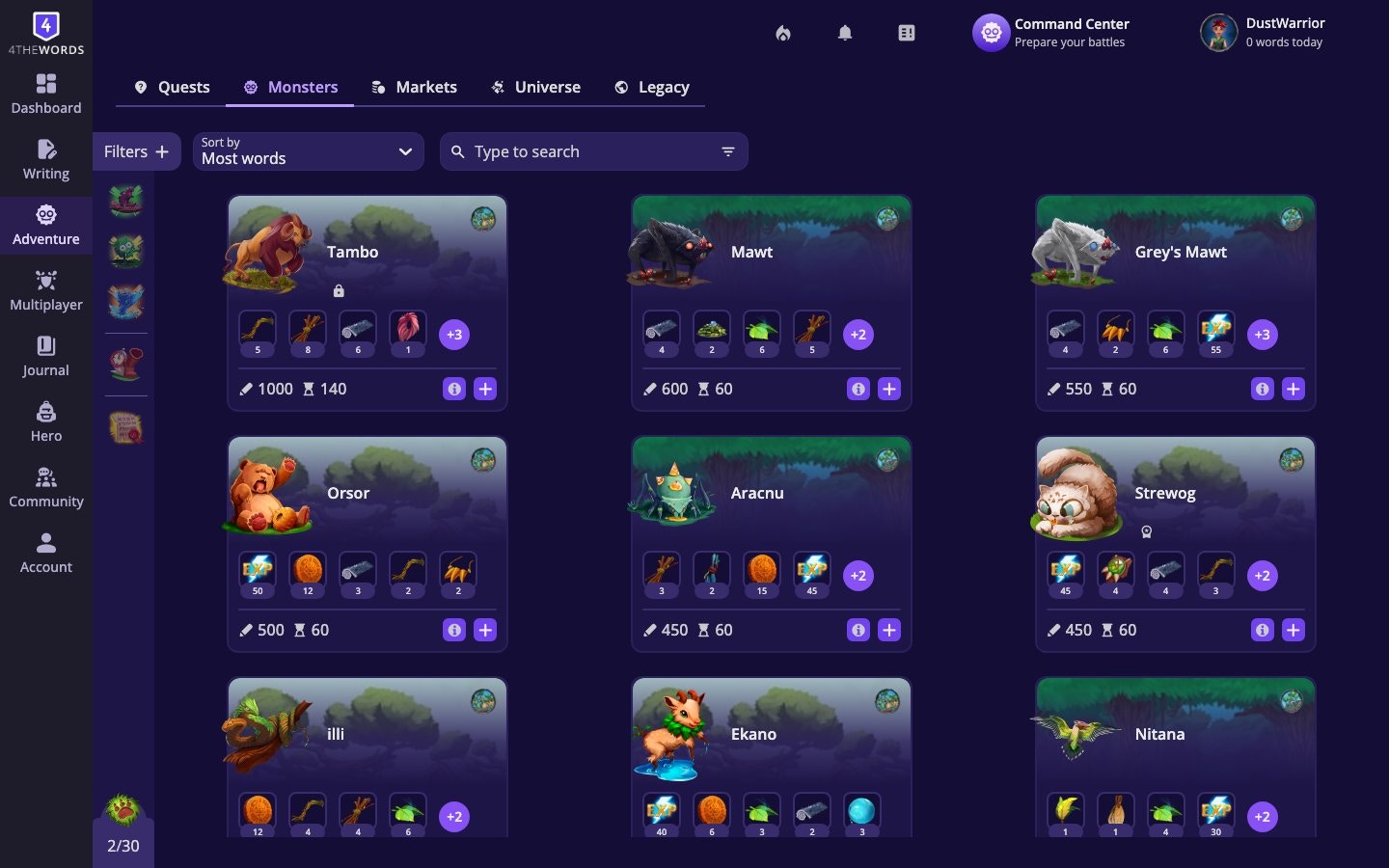
- Name and image
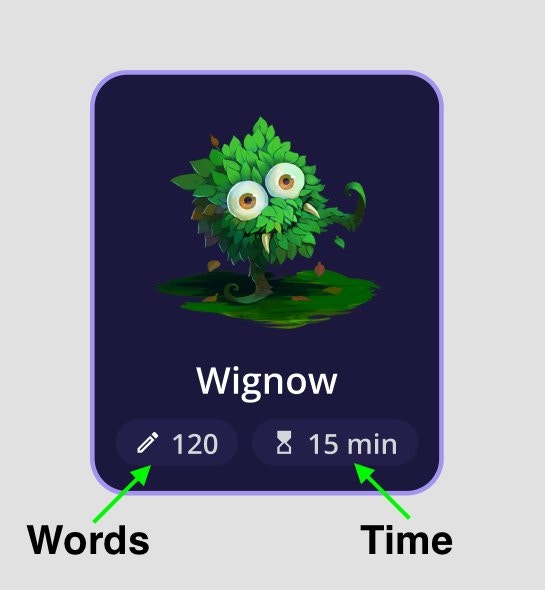
- Words to defeat (the monster’s health, or how many words you need to write)
- Countdown (the time limit, or how long you have before the monster escapes)
- Drops (items that monster drops when defeated)
- Area (small icon & art for the area they belong to)
How you fight them
Not all monsters are fought the same way. There are three battle types in 4thewords. Each one uses your writing differently.Solo Battles
Write words to deal damage. Defeat the monster before time runs out. Your Attack stat makes your words hit harder.
Endurance Battles
The monster attacks you. Survive until the timer expires by keeping your Defense high. Up to 4× reward multiplier.
Co-Op Battles
Team up with 2–8 Dust Warriors to defeat a shared monster together. Everyone writes in their own file.
Choosing the Right Monster
With 800+ monsters ranging from 50 words to 15,000 words, and timers from 5 minutes to a full week, there’s a battle for every kind of writing session. A quick journal entry, a full chapter draft, or a week-long novel push. Pick the size that matches the time you have.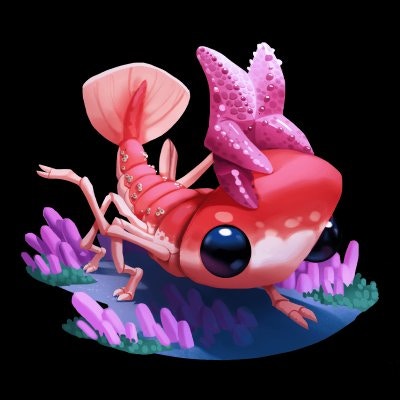
A tiny creature. Perfect for a quick warm-up

A massive brute. Bring your best writing session
Filtering and Sorting
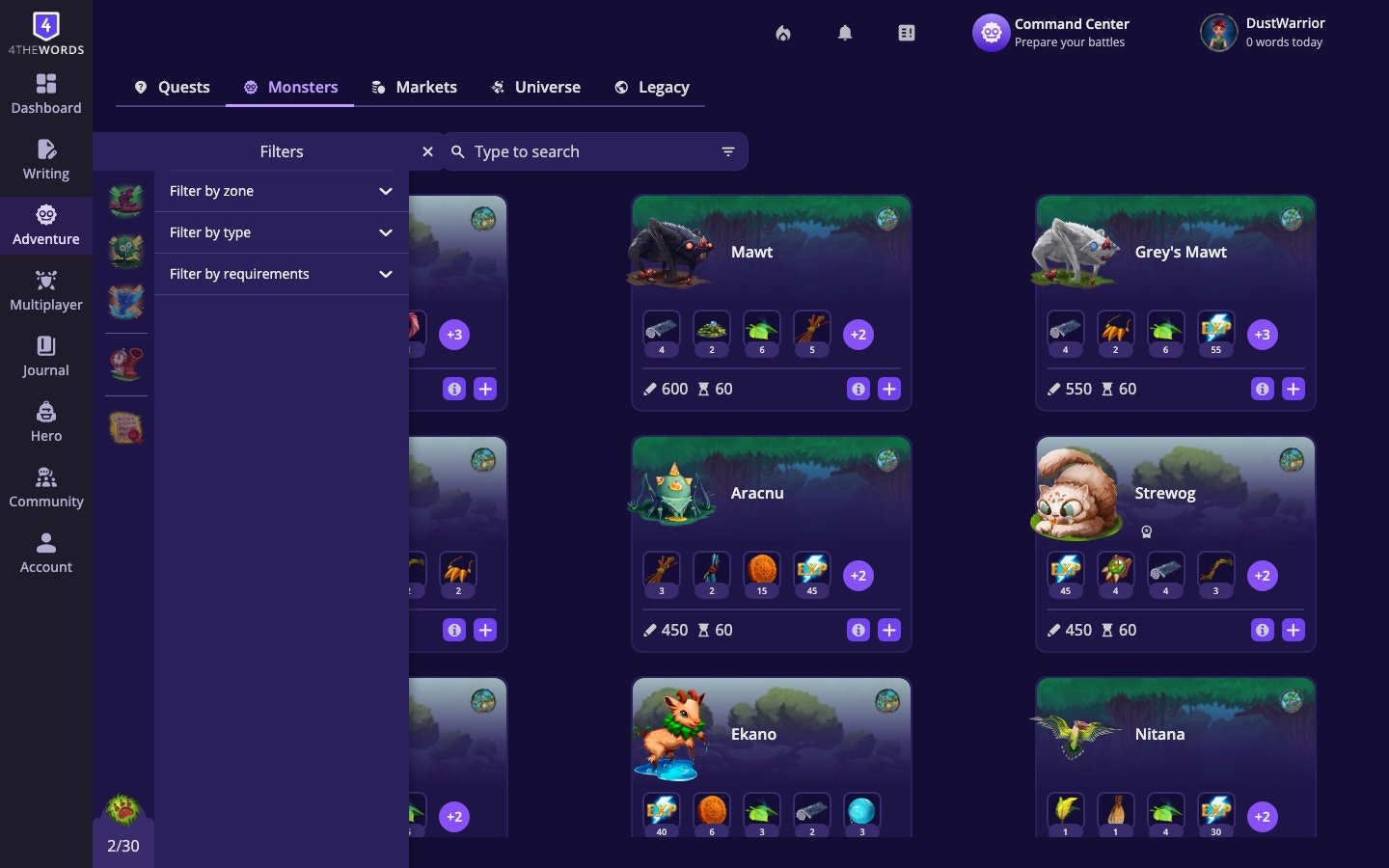
- Size: Tiny, Small, Medium, or Large
- Type: Normal monsters or Endurance monsters (special long-form battles)
- Areas: Show only monsters from a specific area
- Favorites: Show only your starred monsters
- Quest Objectives: Show monsters you need for active quests
Frequently Asked Questions
Why can't I see a monster my friend mentioned?
Why can't I see a monster my friend mentioned?
Several reasons are possible: (1) the monster is in an area you haven’t unlocked yet, (2) the monster requires you to own a specific item, or (3) you haven’t completed a prerequisite quest that makes it visible. Filter the Monsters tab by Areas to check whether you have the right area unlocked, and look for any related quests you may have missed.
What happens if a monster's countdown expires before I finish writing?
What happens if a monster's countdown expires before I finish writing?
The monster escapes and the battle is lost (it counts as a defeat. The monster is available again, so you can start a new battle whenever you’re ready. Some monsters have very generous timers (days), others are tighter (hours)). check the countdown on the monster card before starting.
What are Endurance monsters?
What are Endurance monsters?
Endurance monsters are designed for focused writing sessions. Instead of you attacking, the monster attacks you, and your goal is to write continuously until the timer expires. Filter for them using Type → Endurance. See Endurance Battles for the full guide.
I can't find a specific monster.
I can't find a specific monster.
Check that you’ve unlocked the area where that monster lives. Open the Universe tab, find the area, and see if it’s still locked. Also check whether the monster has a prerequisite (a quest or item you need first). Use the search bar to find exact matches.
Solo Battles
Pick a monster and fight it with your words. The core of 4thewords.
Battle List
Queue monsters, chain battles, and auto-start your next fight.
Quests
Many quests require defeating specific monsters. Check your objectives.