

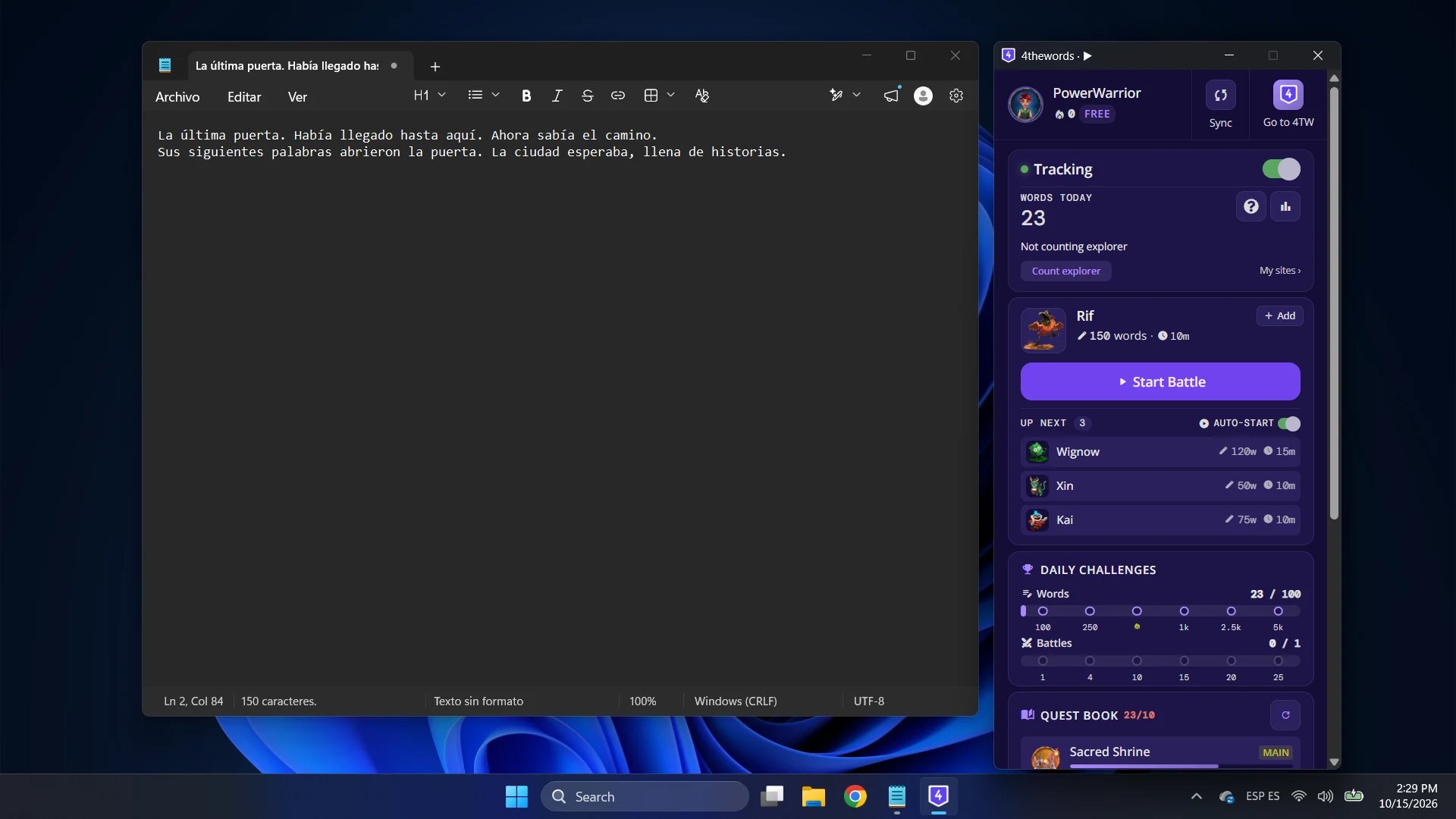
The app counts words, never text. It turns your keystrokes into numbers on your computer and sends only those numbers to 4thewords.
Where to find it: the 4thewords shield icon in your menu bar (Mac) or system tray (Windows and Linux)
What you need
- Mac. macOS 11 or later, Apple Silicon or Intel.
- Windows. Windows 10 or 11, 64-bit.
- Linux. A 64-bit system with glibc 2.34 or newer, such as Ubuntu 22.04, Debian 12, or Linux Mint 21. Intel/AMD and Arm both work.
See it in action
A short tour of the app: writing in Word, fighting a monster, winning loot, and watching your day add up.Works with the Chrome Extension
Keep the Chrome Extension if you use it. When both are running, the extension steps aside in any browser the desktop app is counting, so no word counts twice.In this section
Installing & Signing In
Install the app on Mac, Windows, or Linux, connect your account, and keep it up to date.
Word Counting & My Sites
Choose which apps and sites count, and see where your words went.
Battles, Streaks & Quests
How the words you write flow into your battle, daily challenges, and Questbook.
Window, Mini Bar & Settings
Pick how the app shows up on your screen, and every setting explained.
Permissions & Privacy
What the app can see, why it needs keyboard access, and what it never stores or sends.
Troubleshooting
Fix common problems and send us a debug bundle.
Uninstalling the Desktop App
Remove the app from your computer. Your account and words stay put.
Chrome Extension
Count words in your browser too, and sync them to your battles and streak.